
Services & How It Works, CareBridge
01Services
Services and how it works

Caregiver recruiting, 24/7 intake and client acquisition. One system.

CareBridge builds the recruiting and response infrastructure first, then activates client acquisition when your agency has the caregiver capacity to serve more families. No platform migration, nothing to install, nothing for your office staff to replace or relearn.

At a glance

01CareBridge RecruitFirst
00Front Desk, MabelDay one
02Client AcquisitionWhen ready

The front desk runs underneath both funnels, so no applicant, family or referral call waits for office hours.

02Recruit
A recruiter wearing a headset works at a laptop while caregiver profiles and screening checks appear alongside her. 01
Service 01, CareBridge Recruit

Caregiver applicants, screened and moved toward booked interviews.

CareBridge Recruit is designed to make caregiver acquisition more responsive, more structured and easier to measure by source.

  • Meta caregiver recruiting campaigns across multiple angles, plus employee referral campaigns
  • Mobile-first application pages with pay range visible before submission
  • Automated text response the moment an application lands
  • Pre-screening for availability, certifications, transportation, shift preference and experience
  • AI or human interview workflows, whichever your recruiter prefers
  • Interviews booked directly onto your recruiter's calendar
  • Automated follow-up for interview no-shows
  • Credential collection for the documents your team requires
  • Source-quality reporting by recruiting channel, so you can tell which sources produce candidates who actually reach interview
The objective Not simply to get more applicants. Build a repeatable pipeline that moves caregiver candidates toward actual interviews.
Boundary CareBridge delivers interviews, not hires. Who you hire, what you pay and how you onboard caregivers remains under your control.
03Front desk
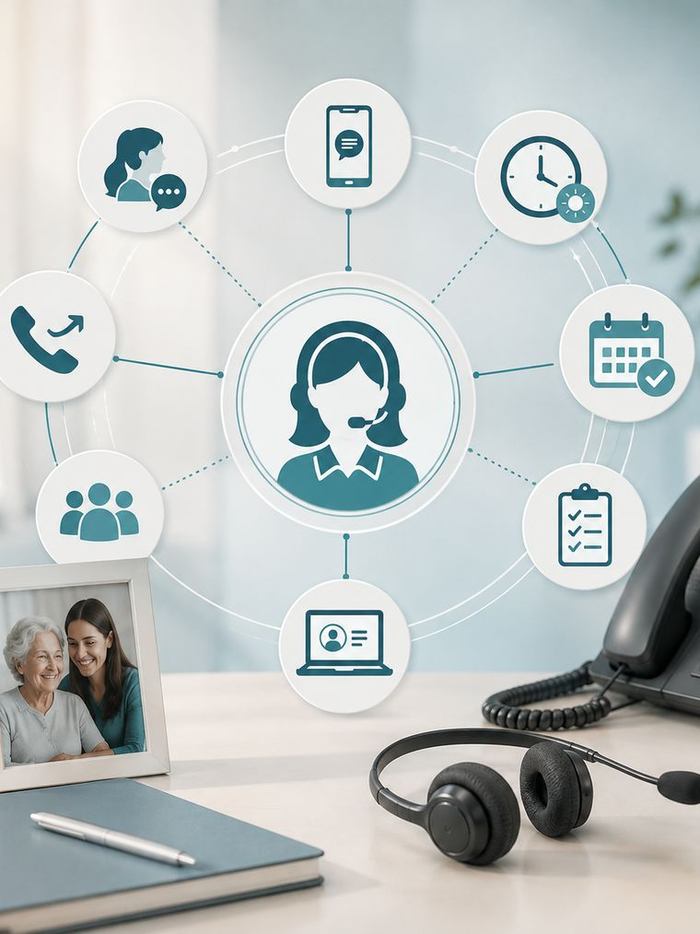
A desk with a headset and telephone, surrounded by icons for calls, messages, scheduling and records. 00
Service 02, CareBridge Front Desk

Meet Mabel. 24/7, or after hours only.

Mabel answers calls from families, caregivers, applicants and referral sources. She is configured to recognise that different callers need different next steps, and she is tested against your own line before launch.

CallerMabel's job
Family or prospect

Captures care needs, confirms service-area fit and books a consultation where appropriate.

Caregiver applicant

Captures applicant details, routes the caller and supports interview booking.

Caregiver calling off

Captures the call-off, logs the details and alerts the appropriate coordinator.

Referral source

Captures relevant details, confirms service-area fit and alerts the right person.

Existing client

Captures the issue and routes it to the right next step.

Emergency report

Escalates to a person immediately and prompts the caller for 911.

Captures. Routes. Schedules. Documents. Mabel does not advise, assess or provide care. Every conversation is documented into your CRM, and your team receives a daily brief.
04Client demand
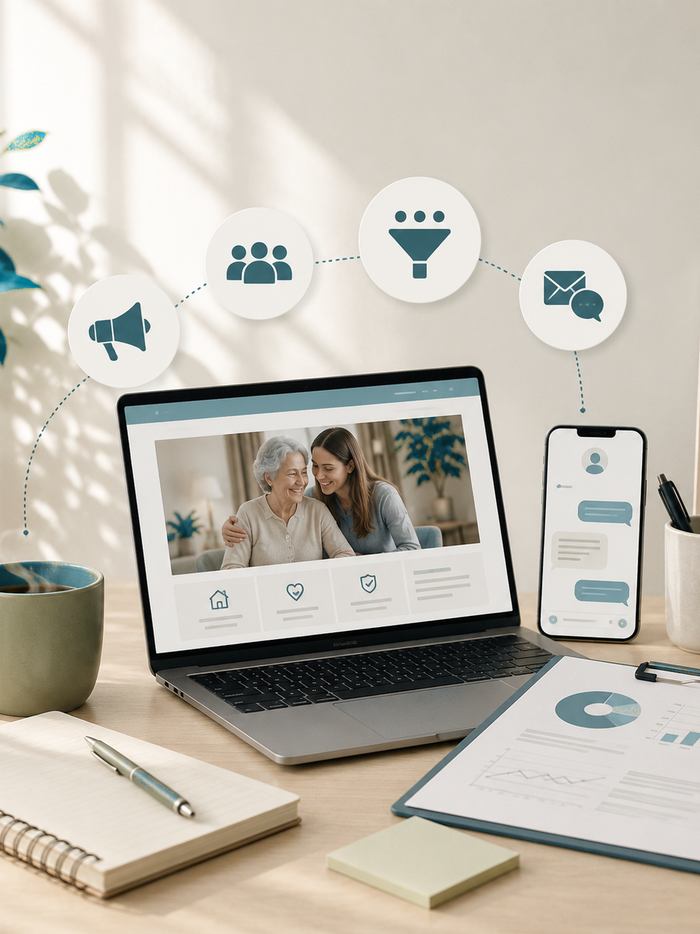
A laptop showing a family-facing home care landing page, beside a phone with follow-up messages and a campaign report. 03
Service 03, Client Acquisition

Switched on when you can staff it.

Once your agency has the caregiver capacity to serve more clients, CareBridge activates the client-growth side of the system. Not before. A campaign that generates cases you cannot staff costs you a referral relationship, not just a lead.

  • Meta campaigns across family-facing angles
  • Google campaigns for high-intent local search
  • Family-facing landing pages built for consultations
  • Email nurture for enquiries that are not ready yet
  • SMS follow-up on the same enquiry timeline
  • CRM pipeline workflows your office team can read
  • Review-management workflows, so the reputation that families and referral sources check stays current
Sequence Caregiver capacity comes first. Client acquisition follows when you are ready to serve more care.
Boundary CareBridge runs the campaigns and the intake around them. Which cases you accept, and the care you deliver, remain entirely yours.

The caregiver-first sequence. The order changes the outcome.

  1. 01Build the caregiver funnel

    Move qualified applicants toward interviews.

  2. 02Protect every opportunity

    Keep applicant, family and referral calls from sitting unanswered.

  3. 03Activate client acquisition

    Launch client campaigns when you can accept the cases.

05Rollout
30-day implementation

Live in 30 days. Here's the actual schedule.

There is no platform migration, nothing for your office staff to replace, and no six-month implementation.

Day00Onboarding

You sign and complete the onboarding form.

Day03Discovery

Ideal caregiver profile, service area and recruiting requirements agreed.

Day07Messaging

Owner, family and caregiver voice guides approved.

Day14Landing pages

Caregiver and family-facing pages ready for your review.

Day18Mabel testing

Mabel goes live in test mode. You call the line yourself.

Day22Campaign approval

Creative approved across the agreed recruiting angles.

Day30Go live

Campaigns live, Mabel protecting inbound, reporting begins.

No migrationNo new softwareNo six-month implementation Live in 30 days, or your setup fee is refunded in full.
06After launch
Ongoing delivery

What happens after launch.

Launch is day 30, not the finish line. The system is monitored, reported on and adjusted as your capacity changes.

01
Campaign monitoring

Caregiver campaign performance and creative optimisation across the agreed angles.

02
Applicant workflows

Response, screening and interview-booking workflows kept current as your requirements change.

03
Front Desk coverage

Call coverage with structured documentation into your CRM.

04
Daily briefs

A morning summary of overnight calls, applicants and enquiries for your office team.

05
Source-quality reporting

Which recruiting channels produce candidates who reach interview, not just applications.

06
Client acquisition

Activation and optimisation once your caregiver capacity is ready.

07Scope
Visible boundaries

What we run, and what stays yours.

CareBridge runs

  • Caregiver recruiting campaigns and application pages
  • Applicant response, screening and interview booking
  • 24/7 or after-hours call answering, routing and documentation
  • Client acquisition campaigns, nurture and review workflows
  • Reporting on recruiting source quality and call coverage

Your agency keeps

  • Billing, claims and EVV
  • Shift scheduling and shift assignment
  • Payroll, HR and compliance
  • Background checks and drug screening
  • Onboarding, training and certification
  • Care delivery of any kind, and every hiring decision

Keep the software you already use.

CareBridge sits alongside it. Nothing to migrate, nothing to install, nothing for your office staff to relearn.

We would rather lose the sale.

Every boundary above is published here so you do not discover it in month two.

08Questions
Common questions

From home care agency owners.

The answers we give on the demo, written down so you can read them first.

CareBridge is not built around generating the largest possible number of applicants. It is designed to help you understand which recruiting sources produce caregiver candidates who actually move through your hiring process. Applicants are tracked by source, so you can evaluate channel quality rather than application volume alone.

You do not have to take our word for it. Mabel is configured around your agency before launch, and you call the line yourself during testing on day 18 to decide whether the experience meets your standards. She captures, routes, schedules and documents. She does not provide clinical advice, assess patients or deliver care.

Good. That is CareBridge's starting point. Caregiver campaigns come first, and client campaigns can stay switched off until you have the capacity to serve additional families.

No. CareBridge does not manage live schedules or assign caregivers to specific shifts. We build the recruiting pipeline that gives your team more candidates to interview. Who you hire, how you onboard them and how you schedule them remains under your control.

No. Nothing to migrate, nothing to install, nothing for your staff to relearn. CareBridge is designed to sit alongside the systems you already use.

CareBridge does not manage billing, claims, EVV, shift scheduling, payroll, HR, background checks, drug screening, employee onboarding, training, certification or care delivery. Your agency stays in control of its operations. CareBridge focuses on the recruiting, acquisition and intake systems around them.

Mabel does not assess or triage medical situations. If a caller reports an emergency, she escalates to a person immediately and prompts the caller for 911.

09Book

See it running against your own systems.

We bring your Missed Call Audit findings, ask about recruiting and intake, and show how the caregiver-first sequence would fit alongside what you already use.

Book a 15-Minute Demo

Includes your Missed Call Audit.